
Monitor setups worth copying
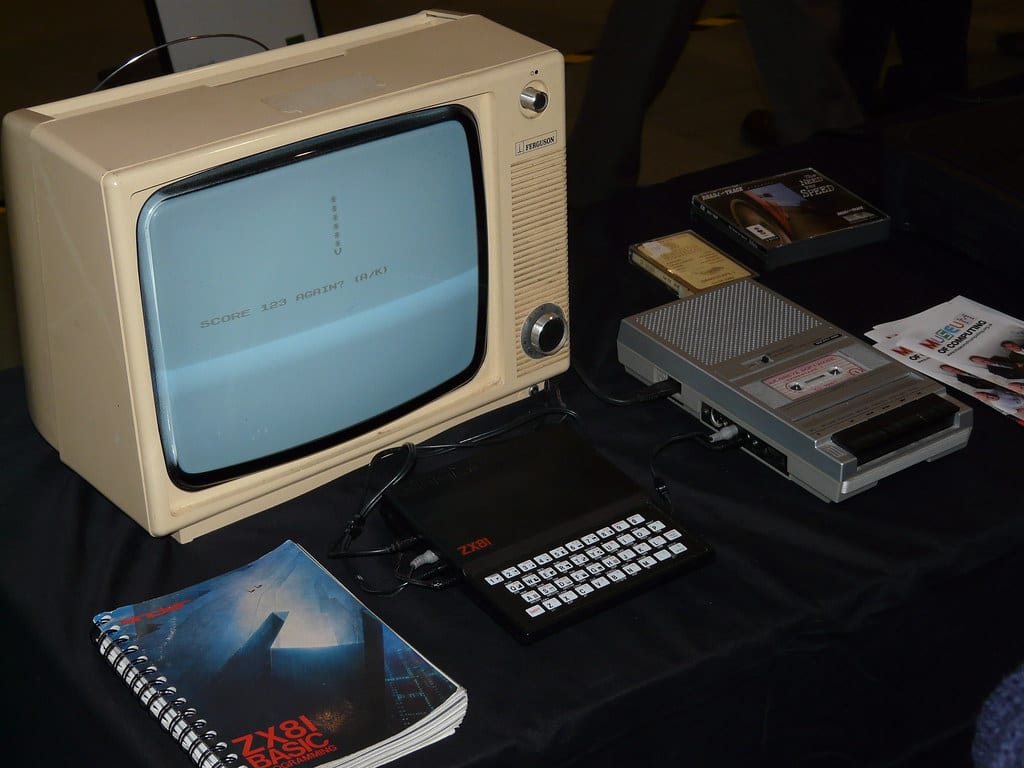
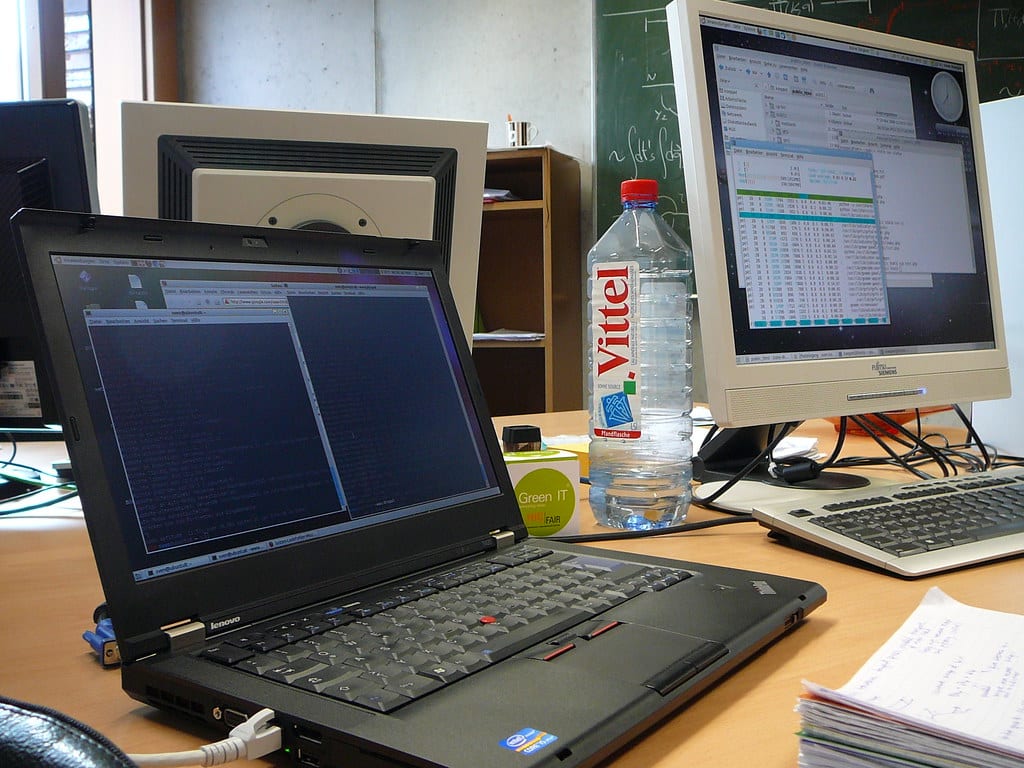
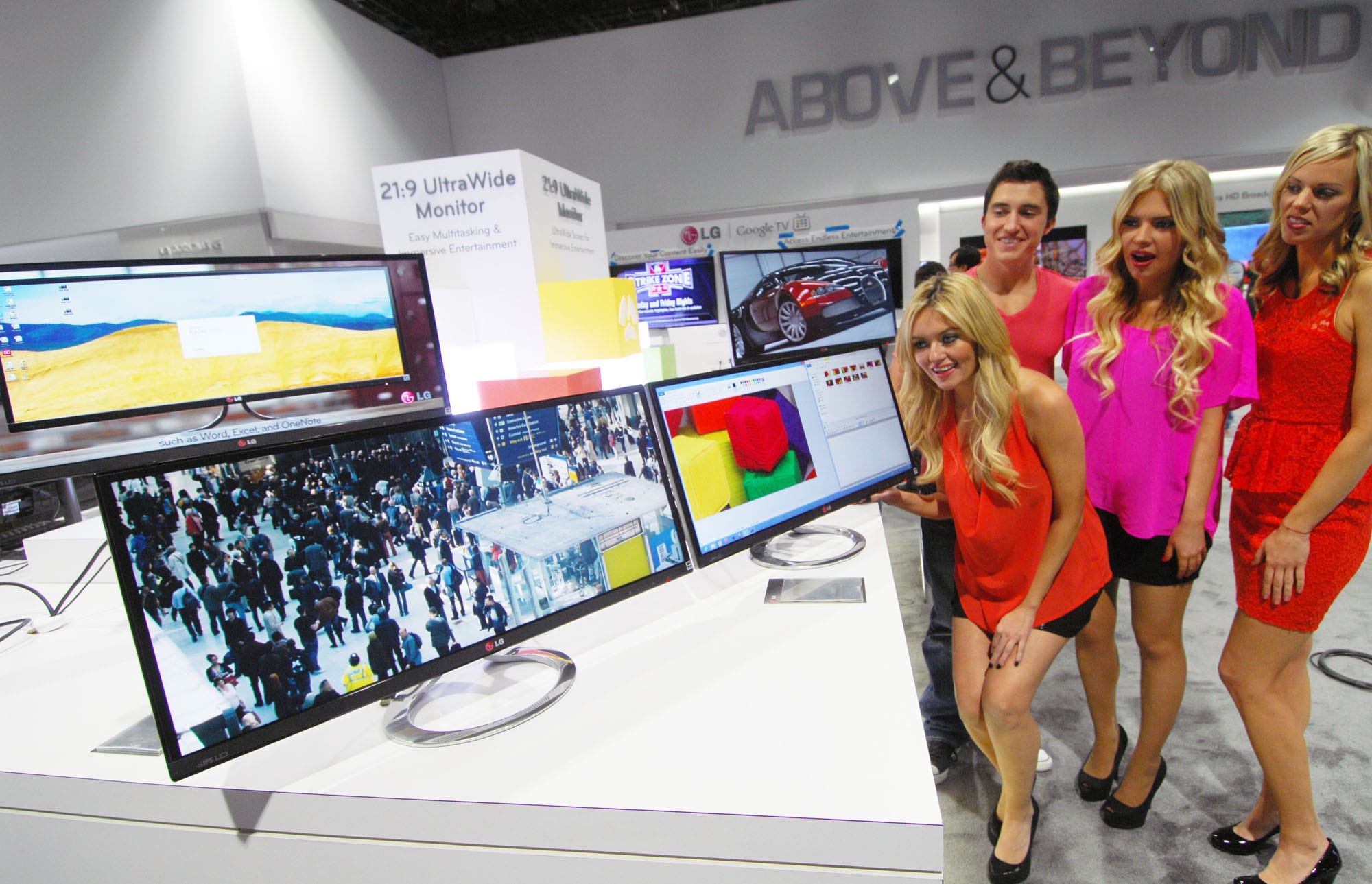
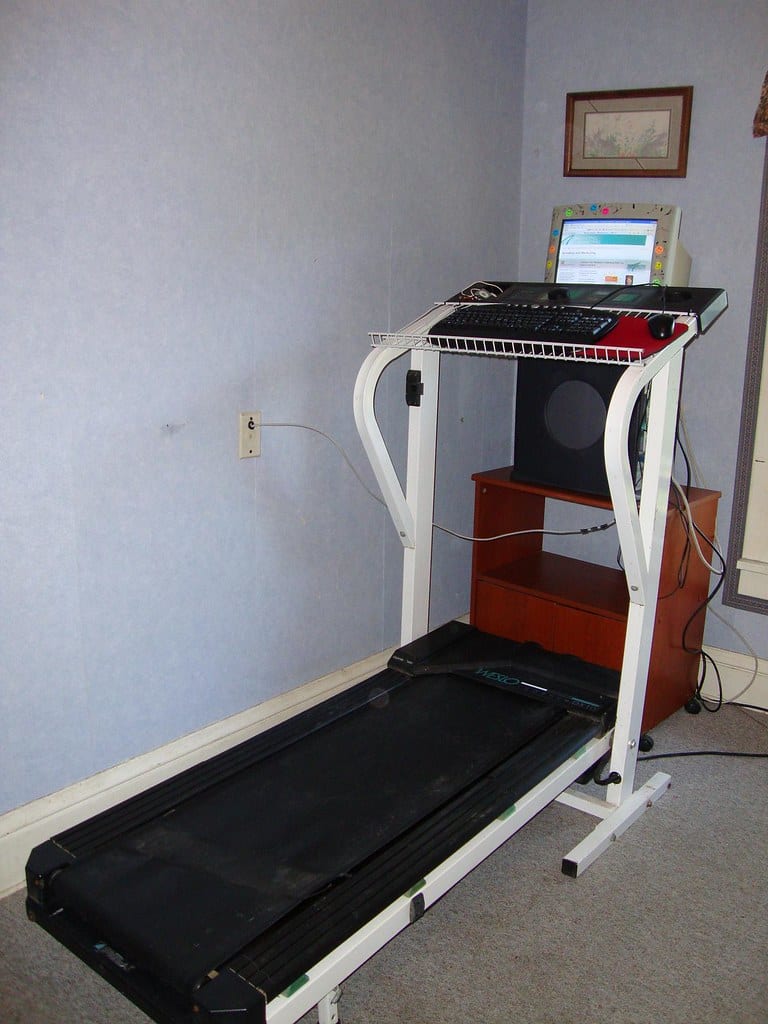
Real dual, vertical, ultrawide and single-arm monitor arrangements from home-office desks — how people position screens at eye level, mix panels without it looking mismatched, and keep the desk clear with arms.



About this gallery
- Published by The Desk Nook Editorial — Curated monitor-setup galleries for The Desk Nook.
- Claims fact-checked against cited sources: Yes
- AI assistance: Gallery selection and captions drafted with AI assistance, then held for human curation and image-rights sign-off before publication. humanReviewed stays false until a person verifies the arrangements and licences each photo (content-floor gate, lib/content.ts).
Image credits & rights
These photos are royalty-free / openly-licensed imagery sourced for this guide; per-image credit is shown on each photo page where the license requires attribution.
Think an image here shouldn't be? Report it.