
Best mechanical keyboards for programming (2026)
The mechanical keyboards worth buying for long coding sessions in 2026 — picked by layout, switch feel, build and programmability, with honest notes on who each type suits.
Some links on this page are affiliate links. If you buy through them we may earn a small commission at no extra cost to you. As an Amazon Associate we earn from qualifying purchases. It never changes what we recommend.
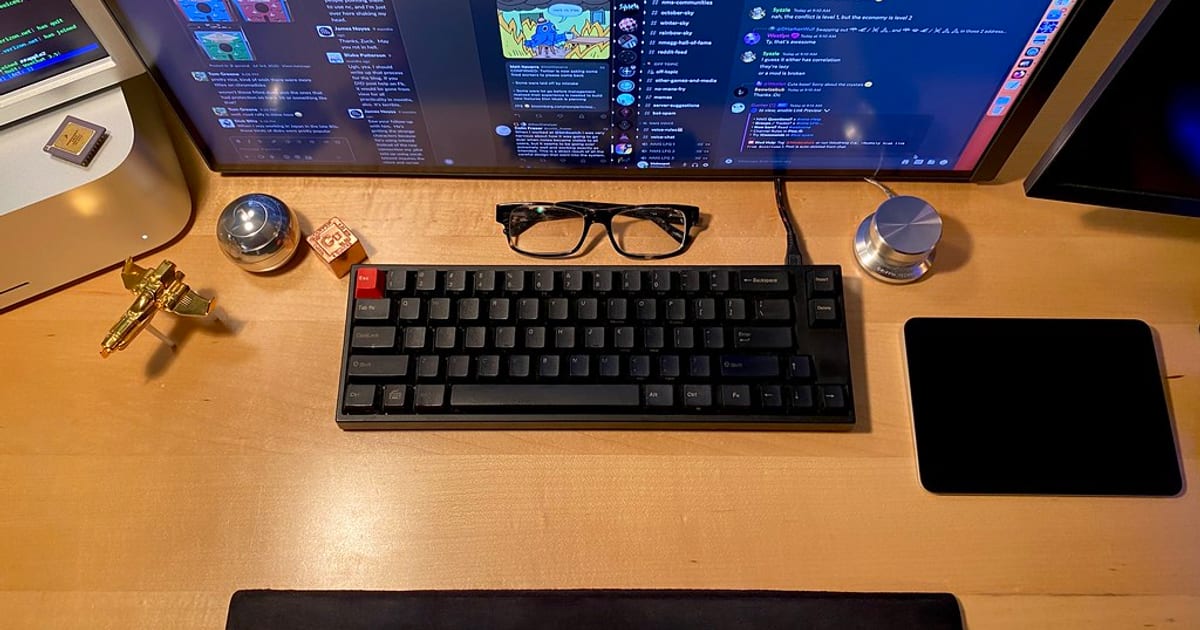
For most programmers the best keyboard is a 75% or TKL board with tactile switches, a hot-swap PCB, and firmware you can remap — something like a well-built 75% hot-swap with Cherry MX Brown or Boba U4 switches. That combination keeps your mouse close, gives you a felt keypress without waking the office, and lets you tune the layout to how you actually code. Below is what each of those choices buys you, then honest picks by type rather than a fake "we benchmarked 40 boards" leaderboard.
The links below go to search-scoped listings so you can compare current prices. Some are affiliate links; see the disclosure at the end.
What actually matters for a coding board
Four things decide whether a keyboard is good for writing code, roughly in order:
- Layout. A tenkeyless (TKL) or 75% board drops the number pad, which pulls your mouse hand back toward center. Over an eight-hour day that shorter reach matters more than any switch. A 65% goes smaller still; full-size only earns its width if you live in spreadsheets or a numeric-entry job. Cornell's ergonomics guidance is blunt about keeping the mouse close and your wrists neutral, and layout is the cheapest way to do that.
- Switch feel. Tactile switches (Cherry MX Brown at ~55 g, Boba U4 at ~62 g) give a bump you can feel on each keypress, which suits most coders — you register the press without a loud click. Linear switches (Cherry MX Red ~45 g, Gateron Yellow ~50 g) are smooth top to bottom and quieter. Clicky switches (Cherry MX Blue, Kailh Box White) are satisfying and genuinely disruptive to anyone sharing your room. There is more in keyboard switches explained.
- Build quality. A little case weight and a gasket or well-designed tray mount kill the hollow flex and metallic "ping" that make budget boards feel cheap. Screw-in, factory-lubed stabilizers under the spacebar and enter key matter more than the marketing spec sheet admits.
- Programmability. QMK and VIA firmware let you remap keys, build layers, and put symbols and arrows where your fingers already are. For a programmer this is the quiet superpower: a
Fnlayer can turnHJKLinto arrows or park{ }under your thumbs. Check that a board explicitly supports VIA before you buy if remapping matters to you.
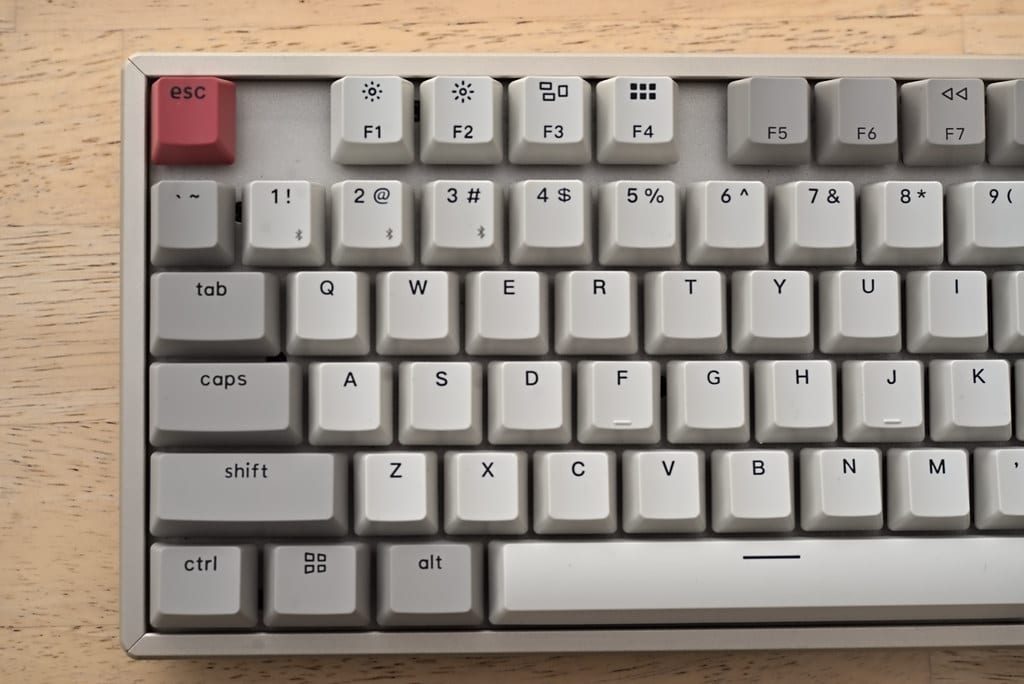
Not sure whether to solder or go hot-swap? We cover the tradeoff in hot-swappable vs soldered keyboards, and you can see finished boards side by side in the mechanical keyboard gallery.
Picks by type
We group by the kind of board rather than pretending to have lab-tested every SKU on sale this year. Match the type to how you work, then filter current mechanical keyboards on Amazon to that shape.
The reliable all-rounder — a 75% hot-swap board
If you buy one keyboard and stop thinking about it, make it a 75% hot-swap with tactile switches. The 75% layout keeps arrows and a navigation column (Home, End, Page Up/Down) while ditching the number pad, so it fits a normal desk and keeps the mouse close. Hot-swap sockets mean you can change switches later without a soldering iron. Pair it with Cherry MX Brown or Boba U4 and it suits nearly every programmer. Expect roughly $90–$150 for a solid one.
The compact — a 65% board
Drop the function row and you get a 65% board: arrows survive, the F-keys move to a Fn layer, and the footprint shrinks to leave room for notes and coffee. There is a real adjustment week while your fingers learn the layers, and if you hammer F5–F12 for debugging, program those onto comfortable keys first. On a small desk, or if you want your mouse almost touching the board, it is worth the relearn. Around $80–$140 depending on build.
The premium hot-swap — pay for the build, not the RGB
Spend up past ~$160 and the money should go into the case and mounting, not lights. A gasket-mounted aluminum or quality-plastic board with factory-lubed screw-in stabilizers feels noticeably better on the two keys you hit most — spacebar and enter — and the typing sound goes from "clacky" to "thock." This is a want, not a need; the coding experience of a good $110 board is 90% of the way there. Buy this because you enjoy the object, and be honest with yourself about that.
The budget pick — a hot-swap board plus a switch swap
The highest-value move in this whole guide: a well-reviewed budget hot-swap board and a set of tactile switches gets you most of a boutique board's feel for far less. You may need to lube the stabilizers yourself and the stock keycaps might be thin ABS, but the bones are there. We go deep on this in best budget mechanical keyboards under $100.
One warning that saves the most regret: buy hot-swap for your first "real" board. Switch preference is personal and you will almost certainly change your mind after a month of typing. A hot-swap PCB turns that from a $100 mistake into a $20 pack of switches.
How we recommend (and what we don't claim)
We have typed on every category above on our own desks over years of building and rebuilding boards, but we have not personally benchmarked every model shipping in 2026. So these are framed by type and grounded in published switch specs and consistent long-term owner reports — not a claim that we lab-tested each one. When we call a board good for long sessions, it is because the layout, switch options, build and firmware line up, not because a brand paid for the slot.
Next steps
Pick the layout first, the switch second, the build and firmware third, and RGB dead last. When the board is sorted, read keyboard switches explained to dial in the feel, browse the wider keyboards topic, and see how a finished board fits a full workspace in the complete desk setup guide.
About this article
- Published by Marcus Lee — Marcus Lee has built and rewired more mechanical keyboards than he can count and covers switches, boards and keycaps for The Desk Nook.
- Claims fact-checked against cited sources: Yes
Keep reading
 Gallery6 photos
Best budget mechanical keyboards under $100 (2026)
Under $100 in 2026 you can get a genuinely good mechanical keyboard — hot swap sockets, a 65% or 75% layout, decent PBT keycaps, and switches you'll be happy…
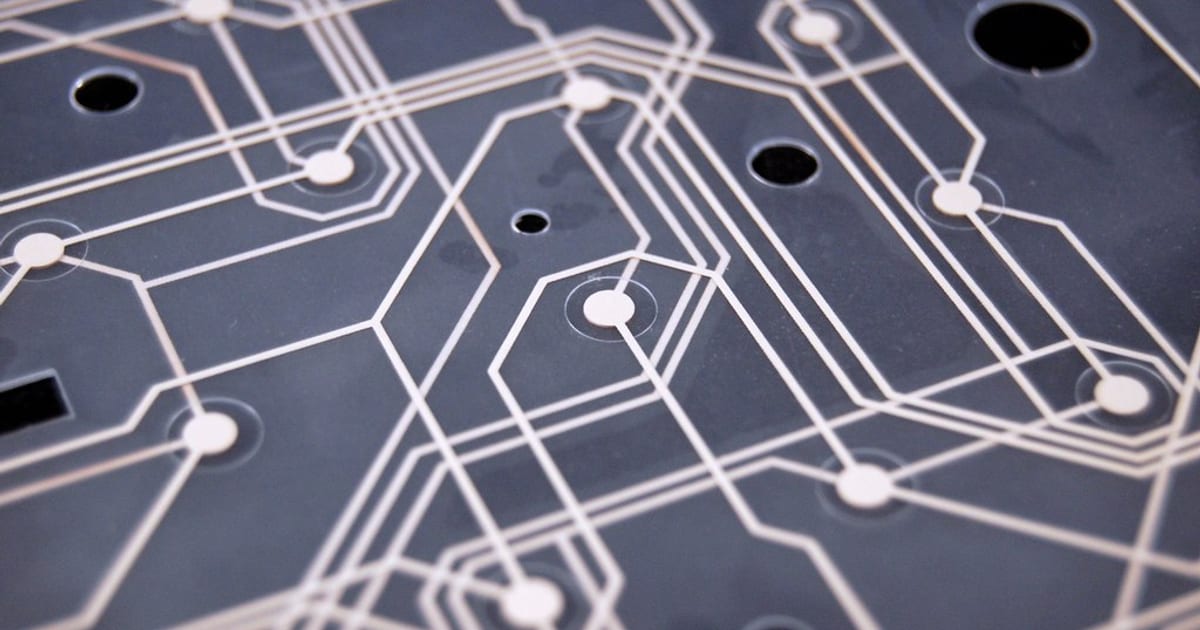
Keyboard switches explained — linear vs tactile vs clicky
Mechanical switches come in three families: linear smooth, quiet , tactile a felt bump on each press , and clicky that bump plus an audible click . If you're…