
Fixing wrist and hand strain at your desk (2026)
Aching wrists usually come from three fixable things — a keyboard tilted the wrong way, a mouse that's too small, and a desk edge you rest on. Here's how to get your hands neutral and comfortable.
Some links on this page are affiliate links. If you buy through them we may earn a small commission at no extra cost to you. As an Amazon Associate we earn from qualifying purchases. It never changes what we recommend.
Wrist and hand ache at a desk almost always traces to three things, and all three are cheap to fix. First, your keyboard is probably tilted up at the back (those little flip-out feet), which bends your wrists backward — flatten it or tilt it slightly away from you instead. Second, your wrists are resting on the hard front edge of the desk, pressing a nerve for hours. Third, your mouse is too small or too flat, curling your hand into a claw. Get your wrists straight and level ("neutral"), stop resting them on a sharp edge, and give your hand a mouse it can relax on. Cornell's and OSHA's workstation guidance both come down to the same idea: keep the wrist neutral and unsupported weight off it. This is general comfort advice, not medical advice — if pain persists or includes numbness, see a clinician.
The links below go to search-scoped listings so you can compare current options. Some are affiliate links; see the disclosure at the end.
Fix 1: flatten the keyboard (or tilt it the other way)
Almost every keyboard ships with flip-out feet that raise the back edge. This "positive tilt" feels natural but bends your wrists upward, which is exactly the posture that causes strain. Two better options:
- Flat (zero tilt): fold the feet away. Your wrists stay straighter immediately.
- Negative tilt (front raised): if your chair puts your elbows above the desk, tilting the keyboard slightly down and away keeps the wrist neutral. Some ergonomic trays and keyboards support this.
A compact keyboard helps here too, because it lets you bring the mouse closer so you're not reaching sideways all day — the layout tradeoffs are in keyboard switches explained and the board picks in best budget mechanical keyboards under $100.
Fix 2: stop resting your wrist on the desk edge
Resting a moving wrist on the hard front edge of the desk presses on the tissue and nerve there for hours — it's a classic contact-stress problem. Two fixes, and they stack:
- A large desk mat so your forearms land on something soft instead of a sharp edge.
- A wrist rest in front of the keyboard and/or mouse. Important nuance: a wrist rest is for resting between bursts of typing, not for planting your wrist while you type. When you type, your hands should float and move from the elbow. The rest is a soft parking spot, not a pivot. A memory-foam or gel rest at the same height as the keyboard's front edge is ideal — too tall and it re-introduces the upward bend. Compare wrist rests on Amazon.
The float test: while you actually type, your wrists should hover and move, not stay pinned to a rest or the desk. Use the wrist rest and the mat for the pauses. A wrist planted in one spot while the fingers stretch to far keys is what strains it.
Fix 3: give your hand a mouse it can relax on
A mouse that's too small or too flat forces your fingers into a claw and your wrist into a twist. Match the mouse to your hand and grip:
- Size to your hand. Measure palm width; most mice list a hand-size range. A mouse that fills your palm lets the hand relax instead of gripping.
- Consider a larger or vertical mouse if your wrist aches. A vertical mouse holds your hand in a "handshake" position, which keeps the forearm from twisting. It takes a few days to adjust; many people don't go back.
- Turn the DPI up a little so you move the cursor with small motions from the elbow, not big drags from the wrist.
Micro-habits that beat any gadget
Gear sets you up; habits keep you comfortable. The evidence-backed ones are simple: take a short break roughly every 30–60 minutes (stand, look away, shake out your hands), keep your shoulders down and relaxed rather than shrugged, and warm up your hands if you're about to type for a long stretch. A short walk to refill water counts. No wrist rest replaces getting up.
Where the desk and chair come in
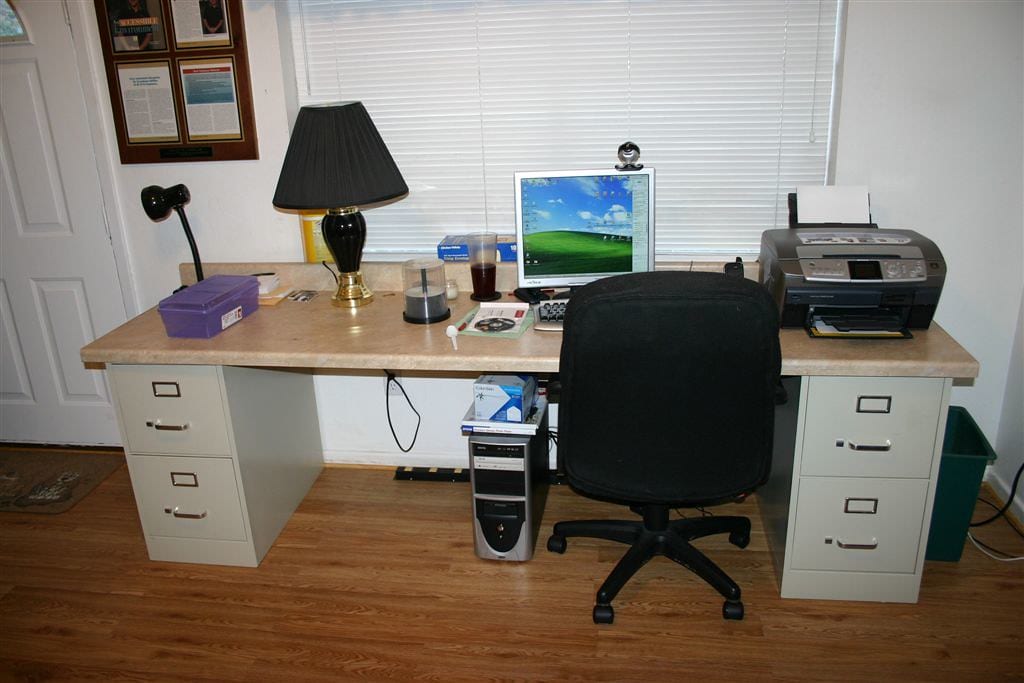
A lot of "wrist" pain is actually set by the chair and desk height — if your elbows sit below the desk, your wrists bend up to reach the keys no matter what you do at the keyboard. Fix the seat first: elbows near 90°, forearms level with the desk. That's covered in how to choose an office chair for long days, and the whole posture picture is in the ergonomic desk setup checklist. The order to build the setup in is the complete guide to building a desk setup.
Next steps
Flatten the keyboard, get your forearms off the desk edge with a mat and a wrist rest used for the pauses, and match the mouse to your hand. Compare wrist rests on Amazon, see comfortable setups in the desk setup galleries, and read more in the ergonomics topic.
About this article
- Published by Ines Okafor — Ines Okafor sets up monitors, lighting and ergonomic workspaces and writes about what actually reduces strain for The Desk Nook.
- Claims fact-checked against cited sources: Yes
Keep reading
The ergonomic desk setup checklist (2026)
Here's the whole checklist up front — set your desk in this order and you're done in two minutes. Feet flat on the floor or a footrest. Knees and elbows near…
How to choose an office chair for long days (2026)
The short version: the best office chair is the one you can adjust to fit your body, and the four adjustments that matter are seat height, seat depth, armrest…
Standing desk setup ideas for a healthier workday
A standing desk will not fix your back on its own. What genuinely helps is alternating — sitting for a while, standing for a while, and changing posture…